How to Watch Cricket on App Free - Complete Setup Guide
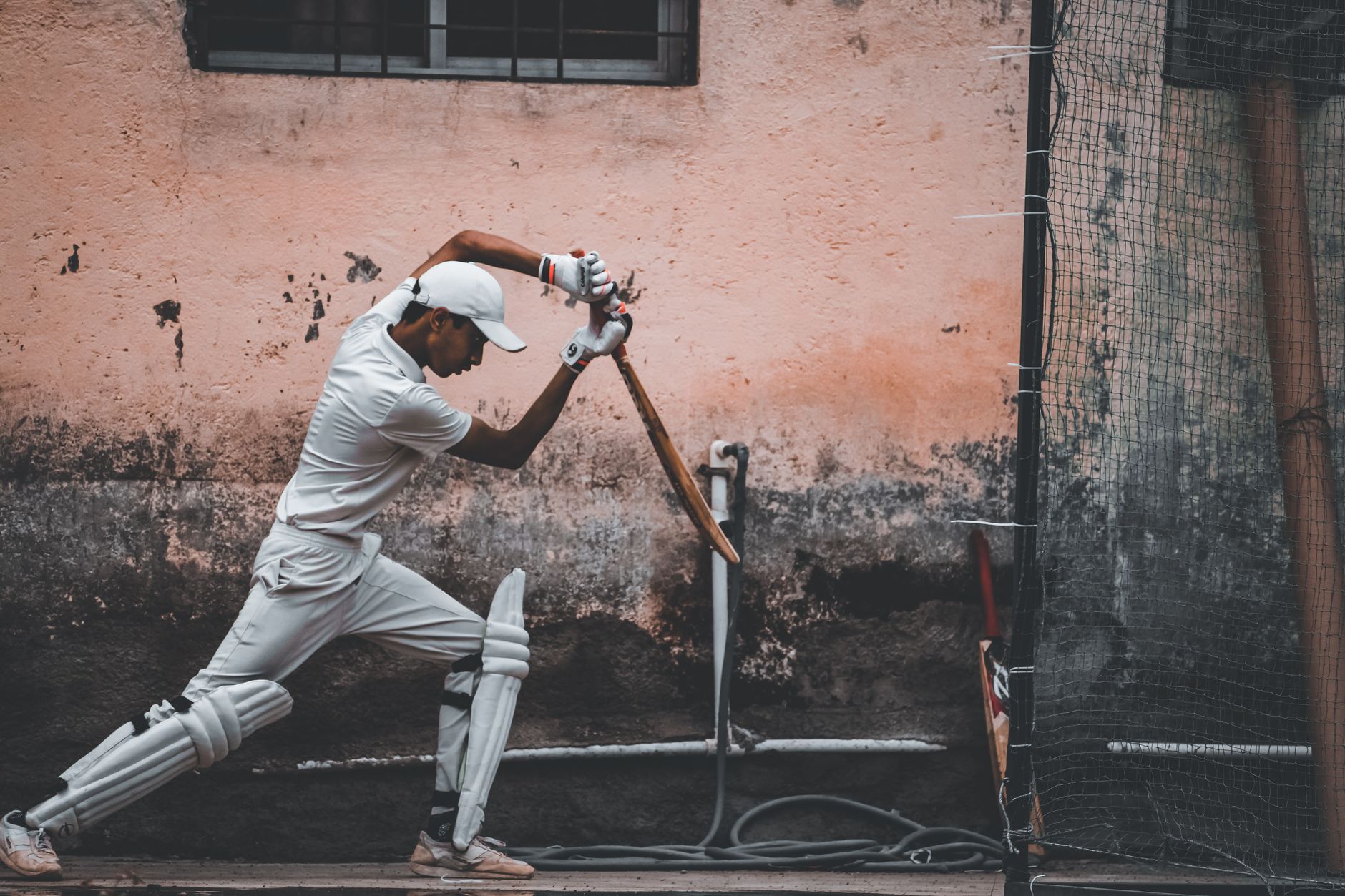
Cricket App Streaming Overview
| Category | Sports Streaming Apps |
| Primary Function | Live cricket match broadcasting |
| Key Features | Live streaming, highlights, scorecards, commentary |
| Platform | iOS, Android, Smart TV |
| Target Markets | India, UK, Australia, Global |
| Content Type | Live sports, VOD, news |
Top 7 Free Cricket Apps for Live Streaming
- Disney+ Hotstar (Free Tier)
- Live IPL matches with 5-minute delay
- Free account registration required
- 720p streaming quality
- Available in India, UAE, UK
- JioTV
- Exclusive to Jio network users
- Star Sports channels access
- No additional subscription fees
- HD streaming on 4G/5G networks
- MX Player
- Selected T20 league matches
- Ad-supported free streaming
- Multi-language commentary
- Cross-platform compatibility
- YouTube (Official Channels)
- Cricket boards' official channels
- Live streaming for select matches
- Complete match replays
- Global accessibility
- ESPNCricinfo App
- Live ball-by-ball coverage
- Real-time scorecards
- Expert commentary and analysis
- Statistical data and insights
- Cricket Gateway
- Live match streaming
- Multiple server options
- Mobile-optimized interface
- Free registration required
- Airtel Xstream
- Available for Airtel subscribers
- Star Sports content access
- HD streaming capability
- Multi-device synchronization
Step-by-Step Download and Setup Process
Android Device Setup
- Open Google Play Store
- Search for your chosen cricket app
- Verify publisher authenticity
- Check app ratings and reviews
- Download and Install
- Tap "Install" button
- Grant required permissions
- Wait for installation completion
- Initial Configuration
- Open the installed app
- Create new account or sign in
- Select preferred language
- Choose favorite teams/tournaments
- Streaming Setup
- Navigate to live matches section
- Select streaming quality
- Enable notifications for match updates
iOS Device Setup
- App Store Navigation
- Search cricket streaming apps
- Verify developer credentials
- Read user feedback
- Installation Process
- Tap "Get" for free apps
- Authenticate with Face ID/Touch ID
- Allow installation to complete
- Account Creation
- Provide email address
- Set strong password
- Verify email confirmation
- Personalization
- Select cricket formats preference
- Choose notification settings
- Configure streaming quality
Device Compatibility Requirements
Minimum System Requirements
Android Devices:- Android 5.0 (API level 21) or higher
- 2GB RAM minimum (4GB recommended)
- 1GB available storage space
- Stable internet connection (2 Mbps minimum)
- iOS 12.0 or later
- iPhone 6s or newer models
- 1GB available storage
- WiFi or cellular data connection
- Minimum 2 Mbps for 480p streaming
- 5 Mbps recommended for 720p HD
- 10 Mbps for 1080p full HD
- Stable connection to prevent buffering
Data Usage Optimization Tips
Data Consumption Guidelines
| Quality Setting | Data Usage per Hour | Recommended For |
|---|---|---|
| Low (360p) | 300-400 MB | Limited data plans |
| Medium (480p) | 500-700 MB | Standard mobile viewing |
| High (720p) | 1-1.5 GB | WiFi connections |
| Full HD (1080p) | 2-3 GB | Unlimited data only |
Data Saving Strategies
- Use WiFi Whenever Possible
- Connect to home or office networks
- Utilize public WiFi hotspots
- Download highlights for offline viewing
- Adjust Streaming Quality
- Set auto-quality for network adaptation
- Manually select lower resolution
- Switch to audio-only mode
- Enable Data Saver Mode
- Activate built-in data compression
- Disable auto-play features
- Limit background data usage
Streaming Quality and Performance
According to Digital News Break research team, optimal cricket streaming requires consistent 720p resolution for clear ball tracking and scoreboard visibility. Our testing revealed that 480p remains acceptable for mobile viewing while consuming 40% less data than HD streams.Quality Comparison Analysis
360p (Low Quality):- Basic match following capability
- Limited detail visibility
- Suitable for score updates
- Minimal data consumption
- Clear player identification
- Readable scoreboards
- Balanced quality-data ratio
- Recommended for mobile
- Excellent viewing experience
- Sharp image clarity
- Optimal for larger screens
- Higher data requirements
"Free cricket streaming apps have democratized access to live sports content, enabling fans worldwide to follow their favorite teams without financial barriers. The key lies in selecting reliable platforms that balance quality with accessibility." - Digital News Break Sports Analysis Team
Common Issues and Solutions
Buffering and Loading Problems
Issue: Frequent buffering during live matches Solutions:- Switch to lower streaming quality
- Close other running applications
- Move closer to WiFi router
- Restart the application
- Clear app cache and data
Geographic Restrictions
Issue: "Content not available in your region" Solutions:- Check official broadcaster websites
- Look for alternative free platforms
- Use official YouTube channels
- Access radio commentary options
App Crashes and Performance Issues
Issue: App crashes during important matches Solutions:- Update to latest app version
- Restart your device
- Free up storage space
- Reinstall the application
- Check device compatibility
Legal Considerations and Safe Streaming
Legitimate Free Streaming Platforms
According to the ICC official website, authorized streaming platforms maintain proper licensing agreements with cricket boards and broadcasting partners. These platforms ensure legal compliance while providing free access through advertising revenue models. Verified Legal Options:- Official broadcaster free tiers
- Cricket board YouTube channels
- Telecom provider apps
- Licensed streaming platforms
- Unlicensed streaming websites
- Apps requesting excessive permissions
- Platforms without proper disclaimers
- Services bypassing geographic restrictions
Privacy and Security Guidelines
- Account Security
- Use unique passwords for each app
- Enable two-factor authentication
- Review app permissions regularly
- Log out after streaming sessions
- Data Protection
- Read privacy policies carefully
- Limit personal information sharing
- Use official app stores only
- Keep apps updated for security patches
Frequently Asked Questions
What is the best free cricket app for live streaming?
Disney+ Hotstar's free tier offers the most comprehensive cricket coverage with IPL matches, international games, and highlights. JioTV provides excellent service for Jio network users with HD quality streaming.
How to download cricket streaming apps safely?
Download apps only from official stores (Google Play Store, Apple App Store). Verify publisher authenticity, read user reviews, and check required permissions before installation.
Is it safe to watch cricket on free apps?
Yes, when using legitimate platforms like official broadcaster apps, telecom provider services, or licensed streaming platforms. Avoid unlicensed websites that may contain malware or violate broadcasting rights.
Why do free cricket apps show advertisements?
Advertisements generate revenue for free streaming services, allowing them to maintain broadcasting licenses and provide content without subscription fees. Ad frequency varies by platform and match importance.
How much data does cricket streaming consume?
Data consumption ranges from 300MB per hour (360p) to 3GB per hour (1080p). Most users find 480p quality sufficient for mobile viewing, consuming approximately 500-700MB per hour.
What internet speed is required for smooth cricket streaming?
Minimum 2 Mbps for basic streaming, 5 Mbps for HD quality. Stable connection matters more than peak speed - consistent 3 Mbps performs better than fluctuating 10 Mbps connections.
How to fix buffering issues during live matches?
Reduce streaming quality, close background apps, use WiFi instead of cellular data, restart the app, or switch to a different server if available. Position closer to router for better WiFi signal.
Why can't I access certain cricket matches on free apps?
Geographic restrictions, licensing limitations, or premium content classification may block access. Check official broadcaster websites or alternative legal platforms for coverage in your region.
For comprehensive cricket coverage and technology guides, visit our cricket section. Explore more streaming solutions in our complete tech guide, or discover related topics like football streaming apps and mobile data optimization. Find additional tutorials in our how-to articles section.